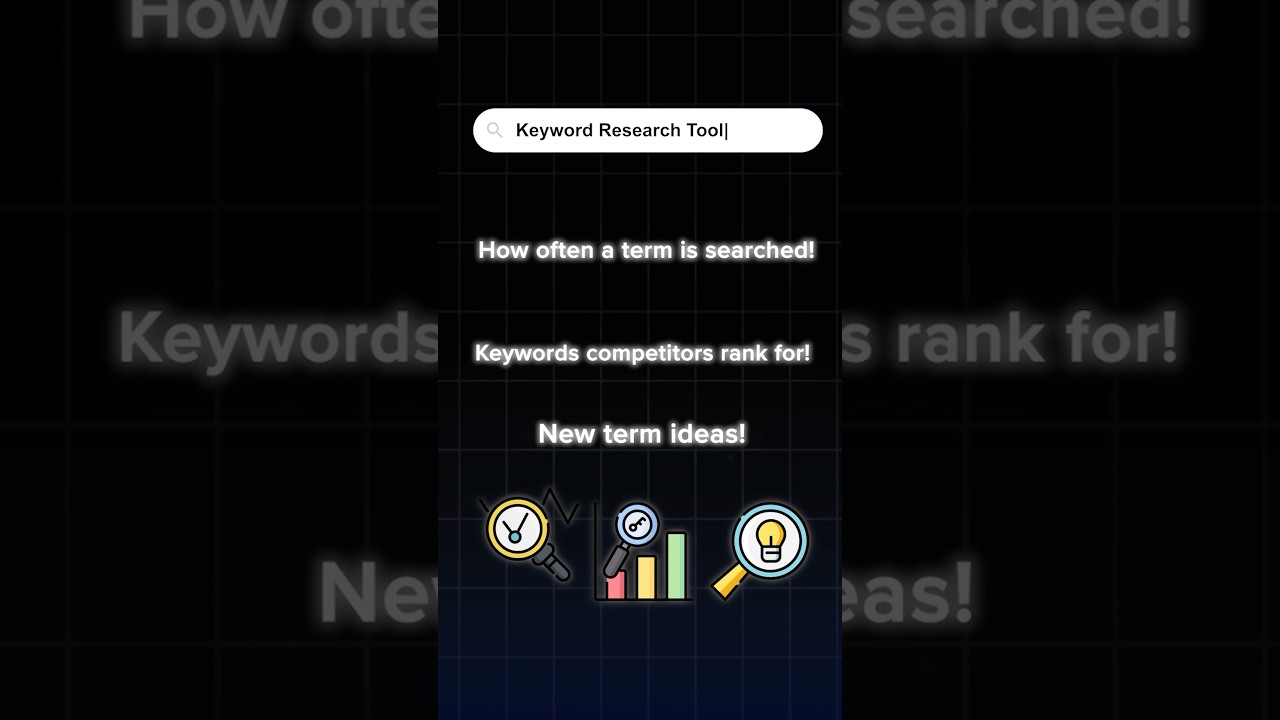
What are keyword research tools and how to use them?
Keyword research tools are software applications that help you identify relevant keywords that people use to search for information online. These tools provide valuable insights into search volume, competition, and related keywords, which are crucial for improving your website’s search engine optimization (SEO) and attracting more organic traffic.
Here’s how to use keyword research tools:
1. Choose a Keyword Research Tool:
*Free Tools:*
– Google Keyword Planner: (Limited free version) Provides search volume data and keyword suggestions.
– Google Trends: Shows trends in search interest over time.
– AnswerThePublic: Visualizes related questions people ask around a specific topic.
– Ubersuggest: Offers basic keyword suggestions and search volume data.
*Paid Tools (more advanced features)*:
– Ahrefs: Comprehensive tool with in-depth data on search volume, keyword difficulty, competitor analysis, and more.
– Semrush: Similar to Ahrefs, offering a wide range of SEO tools, including keyword research.
– Moz Keyword Explorer: Provides data on keyword difficulty, search volume, and SERP analysis.
2. Enter Seed Keywords: Start with a few relevant keywords related to your topic (e.g., “best coffee makers,” “learn to play guitar,” “healthy recipes”).
3.. Generate Keyword Ideas: Use the tool to generate a list of related keywords, including:
– Long-tail keywords: More specific and longer phrases (e.g., “best coffee makers for under $100,” “beginner guitar lessons for adults,” “healthy vegan recipes for weight loss”).
– Related keywords: Keywords that are semantically related to your seed keywords.
– Competitor keywords: Keywords that your competitors are ranking for.
4. Analyze Keyword Data:
– Search Volume: Determine how many times a particular keyword is searched for each month.
– Keyword Difficulty: Assess how competitive it is to rank for a particular keyword.
– Competition: Analyze who is currently ranking for the top keywords.
5. Select the Best Keywords: Choose keywords that:
– Have high search volume.
– Are relevant to your target audience.
– Have moderate competition.
6. Use Keywords in Your Content:
– Incorporate keywords naturally into your website content (titles, headings, subheadings, body text, image alt text).
– Use keywords in your blog posts, articles, and other online content.
By effectively using keyword research tools, you can improve your website’s visibility in search engine results pages (SERPs), attract more organic traffic, and ultimately achieve your business goals.
Ever wonder why email marketing is so effective? Get ready to unravel its secrets in this snappy video that breaks it all down for you! Enroll in the full course for free here ▶︎ https://smr.sh/KN2
But that’s not all – we’re giving you a step-by-step guide to kickstart your very own email marketing campaign. Unleash the power of communication with these five simple yet impactful steps.
💡 LEARN MORE 💡
This is an excerpt from our free course on Semrush Academy: Engage & Convert: The Ultimate Email Marketing Guide. Enroll in the full course for free here ▶︎ https://www.semrush.com/academy/courses/engage-and-convert-email-marketing-guide/
➖
NEXT STEPS:
1️⃣Make sure to stay tuned until the very end so you don’t miss out on all 5 steps for getting your email campaign started.
2️⃣Give this video a like if you got value from it 👍🏻
3️⃣Subscribe so you’ll get notified of upcoming videos on this channel. ▶︎ https://www.youtube.com/c/semrush?sub..
4️⃣If you haven’t already, enroll in the complete course which covers strategies for campaign setup, execution, and crafting compelling emails that drive conversions.
What did SEO expert Brian Dean learn in 2022 and what are his predictions for 2023?
Find out what he has to say about Google’s helpful content update and how that will evolve and improve search results in the year ahead!
💡 WATCH MORE 💡
This is only one episode of Wrapping Up 2022 Series on Semrush Academy!
No matter where you’re at in your digital marketing career, this series aims to inspire your goals and resolutions. Watch more Academy experts sharing lessons learned throughout 2022 – both professional and personal – as well as predictions for 2023.
📣 Watch more episodes for free here ▶︎ https://www.semrush.com/academy/series/wrapping-up-2022/
***************************************
The speaker’s opinions are their own and might not match the opinions of Semrush.
#seotips #seo #seoin2023 #2023predictions
➖
Semrush Academy ▶︎ https://www.semrush.com/academy/
Subscribe ▶︎ https://www.youtube.com/c/semrush?sub…
➖
KEEP IN TOUCH!
FB: https://www.facebook.com/SEMrush/
Twitter: https://twitter.com/semrush
LinkedIn: https://www.linkedin.com/company/semrush/
💎 Get Access to Premium Videos and Live Streams: https://www.youtube.com/channel/UC0T6MVd3wQDB5ICAe45OxaQ/join
WsCube Tech is a leading Web, Mobile App & Digital Marketing company, and institute in India.
We help businesses of all sizes to build their online presence, grow their business, and reach new heights.
👉For Digital Marketing services (Brand Building, SEO, SMO, PPC, SEM, Content Writing), Web Development and App Development solutions, visit our website: https://www.wscubetech.com/
👉Want to learn new skills and improve existing ones with in-depth and practical sessions? Enroll in our advanced online courses now and make yourself job-ready: https://courses.wscubetech.com/s/store
All the courses are job-oriented, up-to-date with the latest algorithms and modules, fully practical, and provide you hands-on projects.
👉 Want to learn and acquire skills in English? Visit WsCube Tech English channel: https://bit.ly/2M3oYOs
📞 For more info about the courses, call us: +91-7878985501, +91-9269698122
Connect with WsCube Tech on social media for the latest offers, promos, job vacancies, and much more:
Learn SEO | Know your keywords and competition | Competitor analysis
To do proper SEO of your website, you need to know your niche, keywords, and your competitor. If you can identify the right keywords to rank for, and figure out what keywords your competitor is ranked for on Google, the SEO job just gets a little easier.
Want to know some email marketing hacks? I use these free email marketing tools to spy on my competitors (see what emails my competitors send) and to find email inspiration.
1. Mailcharts
Mailcharts is a competitor analysis tool that you can use to spy on your competition. It aggregates emails from competing campaigns to help you influence yours. In addition to grabbing subject lines, Mailcharts pulls data such as send frequency and compares it to your business’ campaigns to see where your emails stand.
2. Milled
Milled is a search engine for newsletters. Using this platform, you can search for your competitors’ newsletters, see what email they’ve been sending, and get email inspiration.
🎬 More videos on email marketing:
• How to create a pop-up in Klaviyo → https://youtu.be/2aNs12lJiVU
• BFCM Best Discounting & Offer Strategy → https://youtu.be/N5DtD_4E1Go
• iOS 15 and Email Marketing → https://youtu.be/zmY0LK3Wu7Q
Competitor Analysis Marketing: PPC, Landing Pages, Ads and more…
In this video, I share 7 strategies of how you can conduct competitor analysis marketing for PPC, Landing Pages, Google Ads, Facebook Ads by using free and paid tools.
In the first part, I cover Google, Facebook, and then some niche tools like Hexowatch and ISpionage.
This video will help you learn how to spy on competitor Google and Facebook ads for free and develop a counter-strategy to stay ahead of the competition.
Understand what competitors are doing to drive traffic and conversions by learning more about Competitor Analysis Tools.
Competitor Analysis Tool #1 – Google Ads
Competitor Analysis Tool #2 – Ahrefs
Competitor Analysis Tool #3 – Facebook
Competitor Analysis Tool #4 – Similar Web
Competitor Analysis Tool #5 – Built With
Competitor Analysis Tool #6 – HexoWatch
Competitor Analysis Tool #7 – ISpionage
👉 Timestamps:
7 Competitors analysis tools: 00:00 – 00:40
Spying on Competitor Ads and Landing Pages using Google Ads: 00:40 – 02:00
Finding Competitor Domains who bid on your “PPC keyword” using Ahrefs: 02:00 – 05:54
Spying on Competitor Ads With Facebook: 05:54 – 08:46
Jump Directly on Competitor Landing Pages Using Similar Web: 08:46 – 10:12
Identify the technology stack used on Competitor Landing pages using BuiltWith: 10:12 – 11:19
Monitor Competitor Landing Pages for any Changes using HexoWatch: 11:19 – 12:51
Most Reliable Competitor Research Tool – ISpionage: 12:51 – 14:17
You can also sign up to Hexowatch below:
Hexowatch – https://hexact.pxf.io/OGdBW
📖 Useful Resources:
How to build a Webinar landing page that gets sign-ups ► https://www.youtube.com/watch?v=Sjkvd1CqSL0
Why Use Landing Pages For Paid Campaigns ► https://www.youtube.com/watch?v=xLIDGkY0xeI
👉 Connect with me
Website: https://www.waseembashir.com/
Facebook: https://www.facebook.com/waseem.apxr
Twitter: https://twitter.com/waseembashir
LinkedIn: https://www.linkedin.com/in/waseemb/
Join our conversioneers community on circle with this link : https://www.conversioneers.com/getting-started
There’s over 200 ranking factors in Google’s algorithm. So, how the heck are you going to have all the time to keep up with all of them, so you can improve your rankings and your traffic? There must be an easier way, or maybe even one report that you can use to grow your traffic. Today I’m going to break down my favorite SEO report.
The thing about SEO is a lot of tools out there have very similar reports and features. And the feature I’m going to end up breaking down. I do it through Ubersuggest because you can get it for free, or if you want to pay for it, there’s a lot of other SEO tools that also have this feature.
So, I want you to go to neilpatel.com/ubersuggest and put in your domain name. If you don’t have a lot of traffic, then put putting one of your competitor’s domains that is much more popular. If you’re not sure who one of your competitors would be, just do a Google search.
Now you’ll find that some of these websites aren’t too similar and some of them are. So, as I’m going through them, I’m going to take out the ones that I know aren’t that similar.
And then now I have a decent list of competitors that I know that are similar and I do compete with on a regular basis. Even if, they don’t do the same exact business as you if you know that they talk about some of the same stuff and they write similar blog posts.
Now what this report shows you is how many keywords your site is getting traffic for, and how many keywords your competitors are getting.
I actually want you to focus on keywords gap. What keywords gap is, it shows you all the keywords that your competitors rank for, that you don’t rank for. And that’s why this is my favorite SEO report. The reason being is this gives me a big list of new keywords that I should be targeting that I may not be.
And what you’ll find is that some of the keywords that your competitors rank for is not really relevant for your company, like, how to get your contacts? HubSpot offers an email tool.
And I would make a list of all the keywords that my competitors rank for that I don’t. And then I want to use that to come up with a list of keywords that I should be going after that are relevant for my business.
Like, again, I wouldn’t want to rank for two factor authentication options but I would want to rank for long scroll website examples, the reason being is we offer conversion optimization services at my ad agency. NP Digital, and some people may be looking for long sales letter type web pages and they can use that to potentially get more leads, or types of demand in marketing.
You know, if people are looking for demand marketing or inbound marketing or unknown contacts on Facebook messenger, not too relevant, but maybe somewhat. And I would do this for a lot of my competitors.
So, if I do this for every single one of my competitors and I’m going to click view all again to close it. And I do it for all the competitors that are relevant, what ends up happening is, this all now have a massive list of keywords that I should be going after, that I want other people to find me for or new people to find me for, my competition ranks for an item. That’s why this is my favorite SEO report.
And then you would just go and create content around those topics. And if you’re not familiar with, hey, what kind of content should I create around these topics? You just Google them. So, one of the keywords was Facebook business manager. So, when I google Facebook business manager, there’s Facebook, there’s Hootsuite example how to use Facebook business manager.
And this could be a great example of all right, what kind of content do I need to create if I want to rank at the top? And if you do this for all those keywords you’ll get an idea of what you need to do to get more traffic from new keywords.
So that’s it. I recommend that you check out that report. It’s really easy to use. There’s a free version of it as well.
► If you need help growing your business check out my ad agency Neil Patel Digital @ https://neilpateldigital.com/
►Subscribe: https://goo.gl/ScRTwc to learn more secret SEO tips.
►Find me on Facebook: https://www.facebook.com/neilkpatel/
►On Instagram: https://instagram.com/neilpatel/